๐Ÿ“Š CRT DETECTOR

Range
Raid
Run

JR
ML
TP
SW
2000+ traders using it
Win Rate
80.9%
Risk / Trade
1-3%
The Indicator

Range Raid Run Indicator

Range Raid Run Indicator detects CRT for you across every high timeframe. The Glow Wick shows that the manipulation reached the KL (key level). Then drop down to the lower timeframes to get your entries. The indicator also has alerts: after enough confirmations it sends you an alert for an entry, before the trade is even executed.

Align timeframes as given

HTF CRTLTF Execution
1H CRT1min, 3min, 5min
2H CRT3min, 5min
3H CRT5min, 15min
4H CRT15min
6H CRT15min, 30min
8H CRT15min, 30min
12H CRT30min, 30min, 1H
1D CRT30min, 1H
W CRT3H, 4H

How it works

From the high timeframe CRT forming on the 4H, drop down to the lower timeframe on the 15min for executions.

TradingView Configuration

Chart Setup & Indicators

9 EMA Yellow
Fast moving average for micro-pullbacks and scalp confirmation signals.
21 EMA Blue
Core trend and entry level. Price respects this. Pullbacks come here first.
50 EMA Orange
Intermediate support/resistance zone. Trend filter for setup qualification.
200 EMA Red
Long-term bias (daily). Major institutional support/resistance zones.
VWAP Purple
Volume-weighted average price. Intraday bias anchor. Scalp support line.
Volume Bars
High volume confirms breakouts. Fading volume signals weak/rejection moves.

๐Ÿ“Š Multi-Timeframe Execution

Daily/4HIdentify bias โ€” uptrend, downtrend, or range-bound
1H/15MSpot the forming setup โ€” consolidation, pullback to EMA
5M/1MExecute โ€” entry candle, stop placement, profit target

๐Ÿ“… System Release Timeline

Q1 2022
Core Motion Foundation
Built the base price-action methodology after 3+ years of real trading.
Q3 2023
7 Setup Playbook Complete
All seven named setups documented, backtested and refined with community feedback.
Q1 2024
10-Hour Free YouTube Course
Released the full 13-module curriculum publicly. 500K+ views in first month.
Now ยท 2026
Cinematic Reference System
This complete interactive visual methodology guide with live risk calculator.

๐Ÿ”” Live Trading Signals

โœ…
AAPL Breakout Triggered
Close above $192.40 on 3ร— avg volume
Just now
๐Ÿ“Š
SPY Pullback to 21 EMA
Watching for reversal candle on 15m
2m
โš ๏ธ
NVDA Double Top Alert
Second test of $870 resistance forming
7m
๐Ÿšซ
Daily Loss Limit Reached
3% daily cap hit โ€” stop trading for today
22m
Position Sizing

Risk Calculator

๐ŸŽ“ Module Mastery Progress

Price Action & Patterns96%
Moving Average Systems92%
Risk Management100%
Entry Execution88%
Trade Psychology91%
Volume Analysis85%

โ“ Quick Q&A

Start with the Breakout setup. It has the clearest entry trigger (close above resistance + volume) and the most objective rules. Master 20+ paper trades before moving to pullbacks.
Yes. The price-action setups work on any liquid market โ€” US stocks, crypto, forex, futures. The EMAs and volume principles are universal. Start with large-cap US stocks for the cleanest setups.
The recommended path is 3โ€“6 months minimum: watch the course, paper trade each setup 20+ times, achieve 30 consecutive profitable paper days, then open a small $500โ€“$1,000 real account.
13-Module Course

Full Curriculum

1
Foundations
Trading fundamentals, key terms, TA vs FA, process to profitability.
2
Price Action
Candlestick anatomy, bullish/bearish patterns, engulfing, pin bars, doji.
3
Trends
Higher highs/lows, downtrends, trendlines, trend confirmation signals.
4
Moving Averages
9/21/50/200 EMA โ€” trend bias, entry pullbacks, stop placement.
5
MTF Analysis
Bias from Daily/4H โ†’ Setup on 1H/15m โ†’ Execute on 5m/1m.
6
Support / Resistance
Identifying levels, fresh vs retested, role reversal, S/R psychology.
7
Volume Mastery
High vol = breakout, low vol = weak, volume fade = rejection signal.
8
Strategies
Breakouts (3 parts) โ†’ Pullbacks (2 parts) โ†’ Shorts โ†’ 1-2-3 โ†’ Reversals.
9
Gap Trading
Gap-and-go, gap fill, gap on news/earnings. Trade first 30 min.
10
Risk Management
1% risk rule, position sizing formula, 3% daily stop, 1:2+ R:R.
11
Trade Management
Move stops to BE, scale out, trail stops, cut losses, lock profits.
12
Trading Plan
Written plan โ€” rules, hours, markets, risk. Journaling & discipline.
13
Psychology
5 years of lessons: emotions, FOMO, losses, discipline, game mindset.
Your Roadmap

14-Step Beginner Path

1
Watch 10-Hour Free Course
Watch the full free course in chapter order. Take notes and follow the module sequence.
2
Set Up TradingView
Add 9/21/50/200 EMA, VWAP, Volume. Practice reading charts on 5โ€“10 large-cap stocks.
3
Paper Trade 20 Breakouts
Find breakout setups on daily chart. Log each trade entry, stop, result.
4
Paper Trade 20 Pullbacks
Uptrends + 21 EMA retest. Log wins/losses. Track R:R on every trade.
5
Paper Trade 20 1-2-3 Patterns
Find 3-swing reversals across different timeframes. Track accuracy carefully.
6
Paper Trade 20 Gap Setups
Gap-and-go at market open. 9:30โ€“10:00 ET window only. Watch volume closely.
7
Backtest 100+ Trades
25+ per setup. Calculate win rate, average R:R, and profit factor for each.
8
Write Your Trading Plan
Document: markets, setups, hours, 1% rule, stop rules. Print & sign it.
9
Live Paper Trading (30 Days)
Trade live market hours with simulated capital. Follow your plan with zero exceptions.
10
Prove Consistency โ€” 30 Profitable Days
Must hit 30+ consecutive profitable paper-trade days before any real capital.
11
Open Small Real Account
$500โ€“$1,000 starting capital. Webull, Schwab, or IBKR recommended brokers.
12
Trade Small for 30 Real Days
1% risk = micro-positions only. Screenshot and journal every single trade.
13
Join the Trading Community (Optional)
$47/month or $1,000 lifetime. Daily watchlists, live streams, coaching calls. Join monthly ยท $47Lifetime ยท $1,000
14
Scale Gradually (3โ€“6 Months)
After 90+ profitable real trades, increase position size by 25% increments.
โฑ๏ธ Timeline: 3โ€“6 Months to Consistently Profitable. Do NOT rush. Most traders fail by skipping paper trading. Respect the process. Every step builds the next.
Step by Step

How To Use It

After you spot the CRT on your favorite timeframe, follow these steps.

1

Spot the Active CRT

After installing the indicator, it detects available or Active CRTs on the high timeframes and shows them in the top right corner. Active in red means the CRT is bearish. Active in green means the CRT is bullish. Each one is shown with its timeframe.
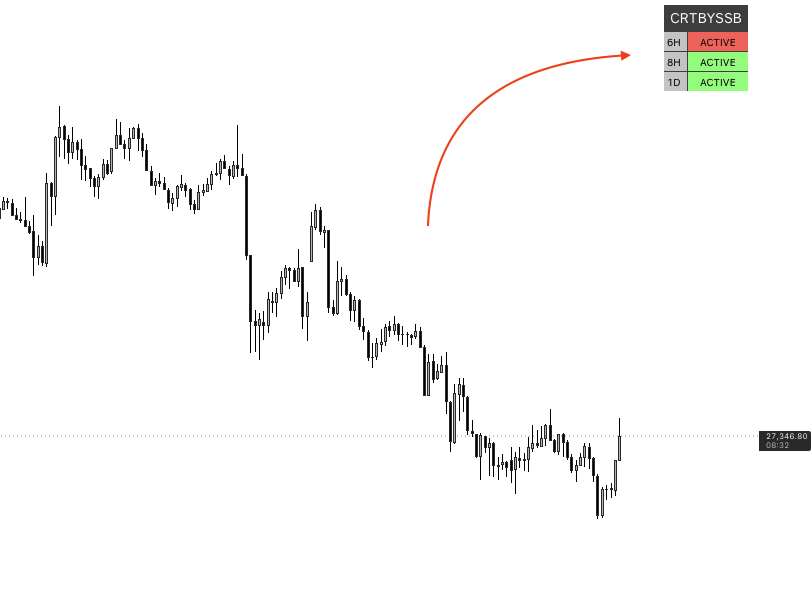
Top right table showing Active CRTs on 6H, 8H and 1D
2

Set up the indicator settings

After spotting an Active CRT of your choice, open the indicator settings. Make sure the alerts are turned on, then select the high timeframe you picked.
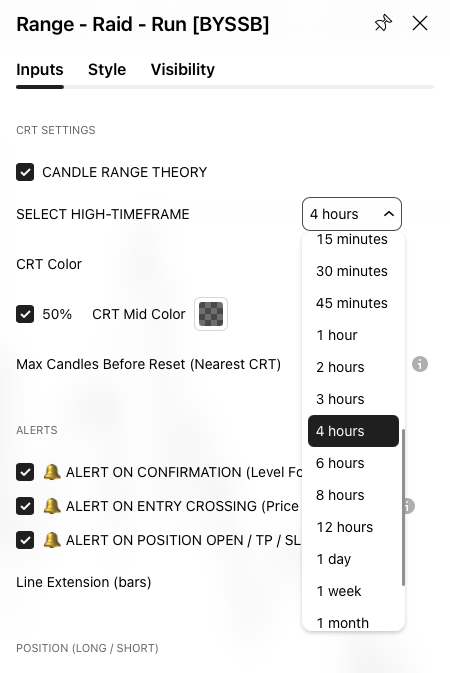
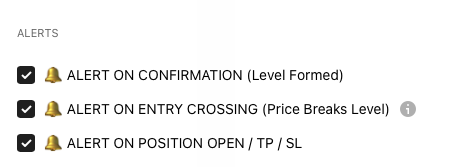
Indicator settings with the Select High-Timeframe dropdown Alert options turned on in the indicator settings
3

See it on the high timeframe

This is how the CRT looks on the high timeframe.
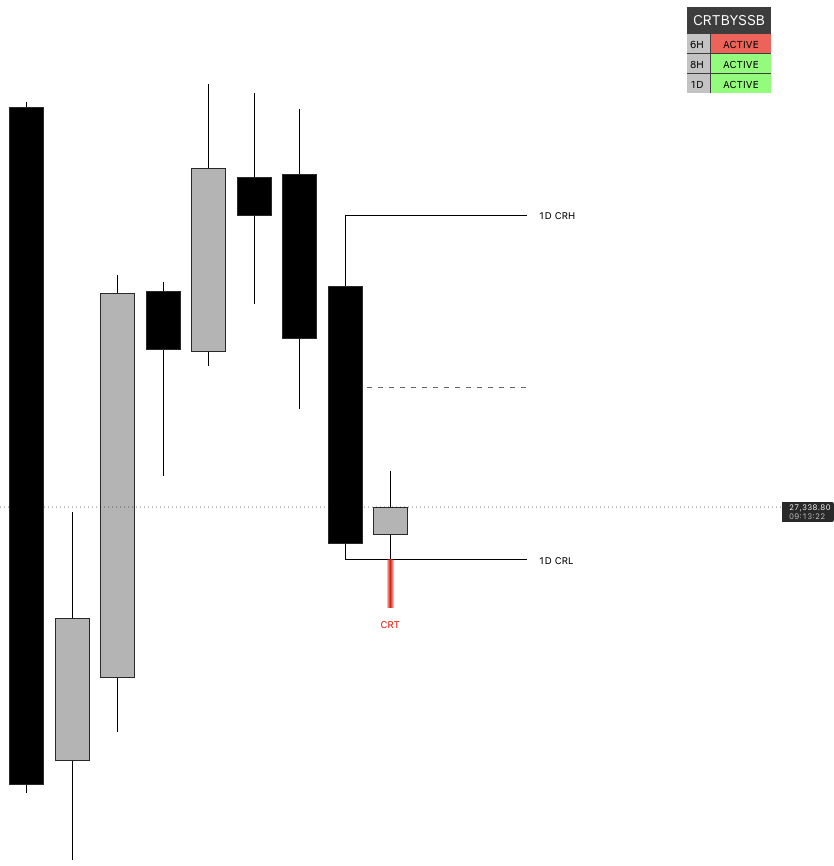
CRT high, CRT low and CRT marked on the high timeframe chart
4

Add the alert

Add an alert on the indicator. Once your entries are confirmed, TradingView on your computer, tablet, iPad or mobile phone sends you alerts so you can go and execute the trade.
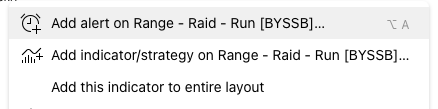
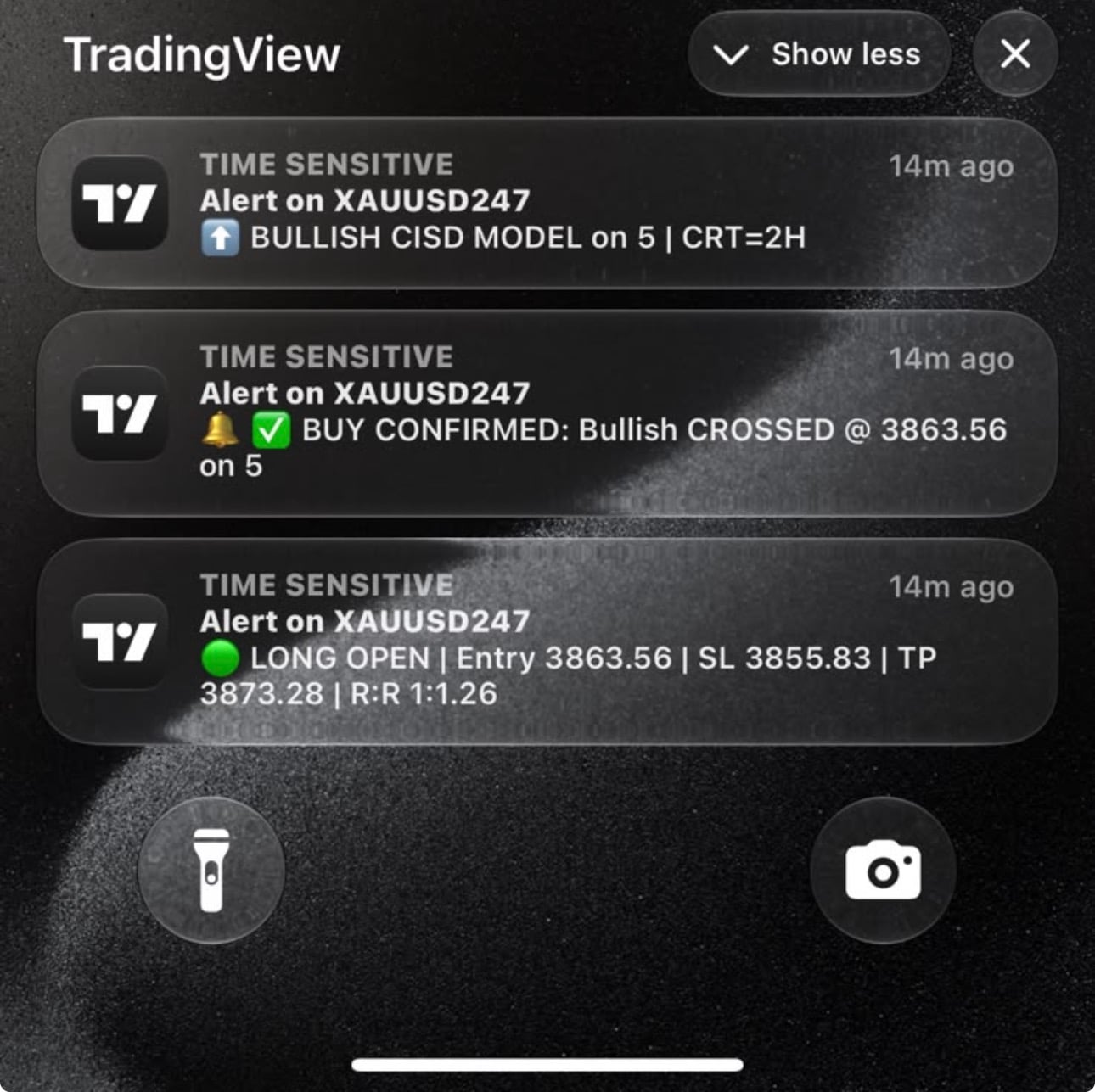
TradingView menu with Add alert on the indicator TradingView phone notifications for a confirmed buy entry
5

Drop to the low timeframe for your entry

Drop down to the low timeframe on your chart using the table given, to align your timeframes. That is where you get your entries, after multiple confirmations.
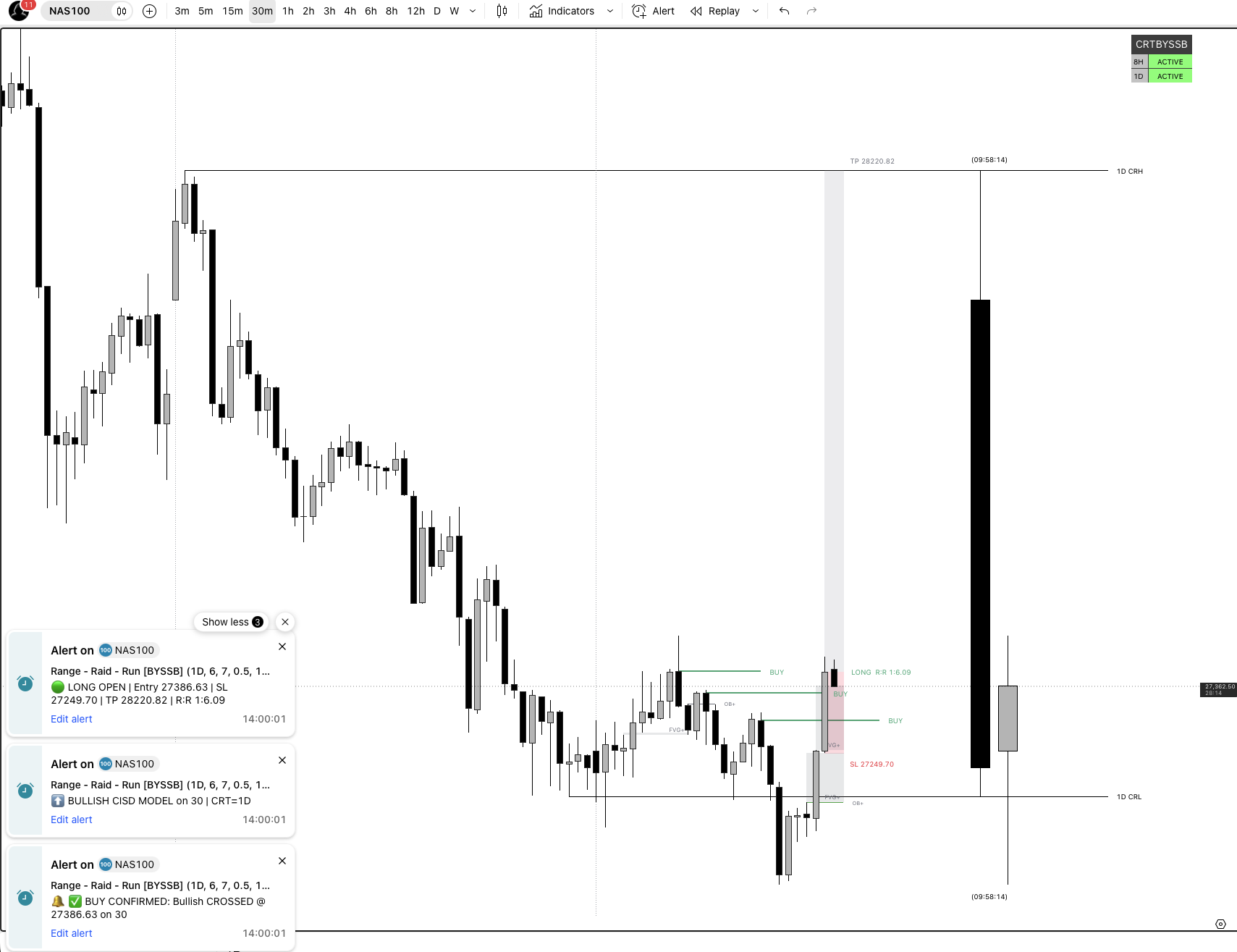
Low timeframe chart with the entry, stop loss and take profit
Membership

Why waiting? Get access now.

Lifetime Premium Group
$25
one-time ยท forever
  • Lifetime Signals
  • Get access to PDF
  • Get access to live trading
  • Premium group benefits
  • Forex pairs / futures / crypto / synthetic indices
Get Access Now
Indicator Access
$40
one-time ยท forever
  • Get access to lifetime premium channels
  • Get access to CRT PDF
  • Get access to CRT indicator
  • Get access to live trading with SSB
Get Access Now
Mentorship Access
$60
 
  • 6 months duration
  • Get access to the CRT indicator
  • Get access to CRT PDF
  • Get access to live trading with SSB
  • Get access to premium channels
Get Access Now
Secure checkout with Card Crypto PayPal Apple Pay Google Pay
Testimonials

What Traders Say

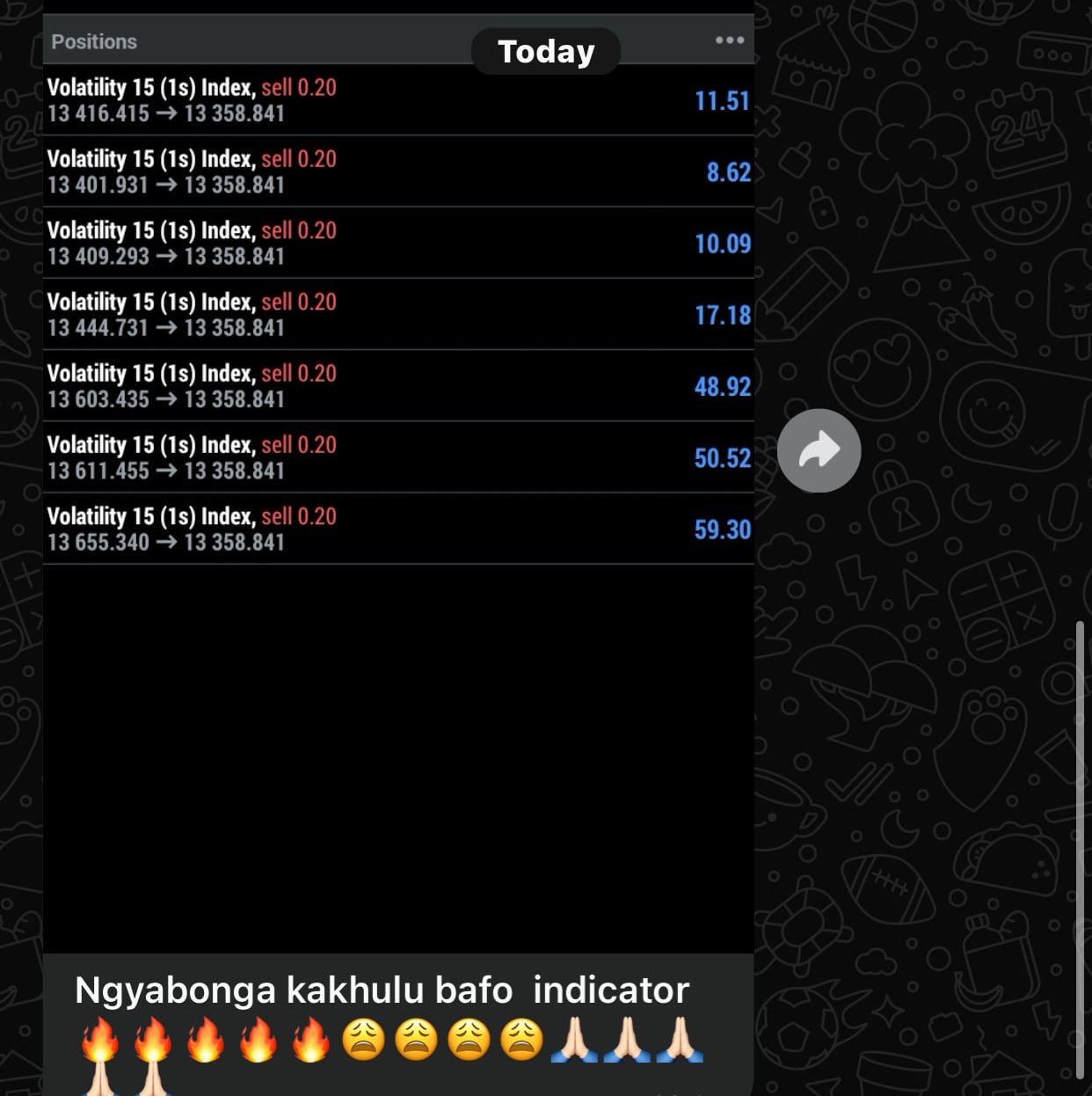
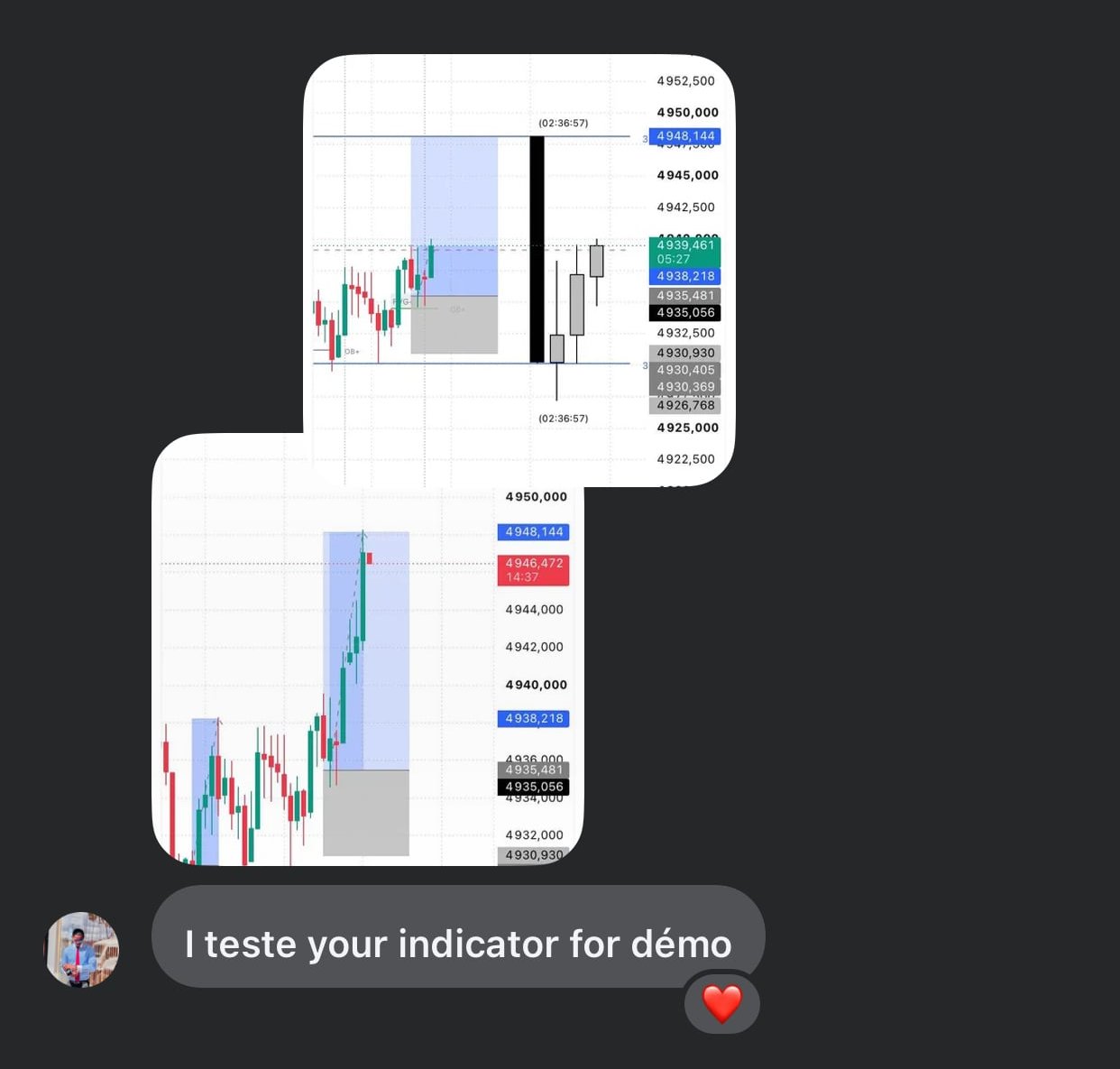
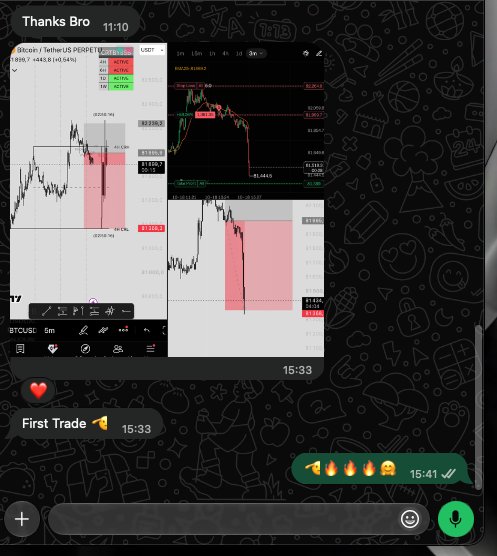
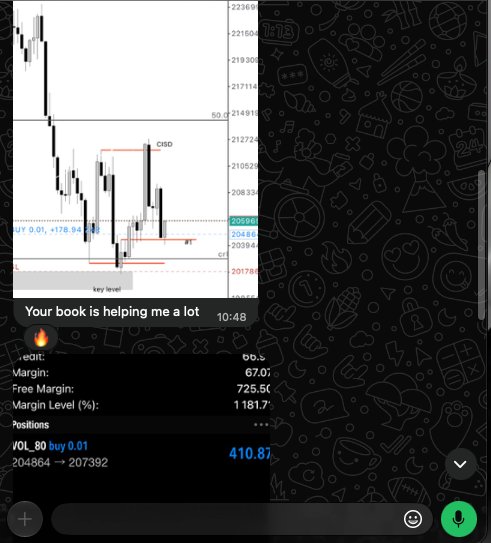
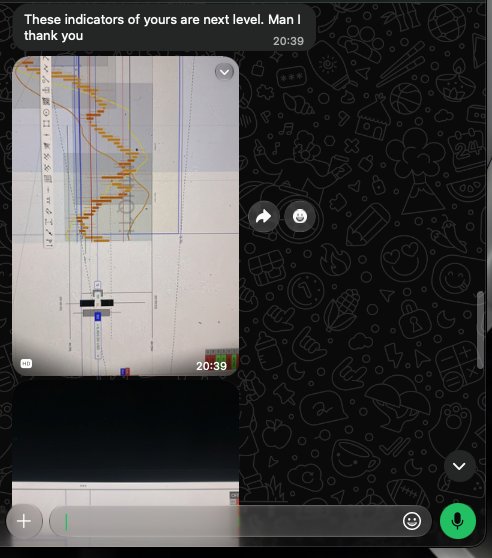
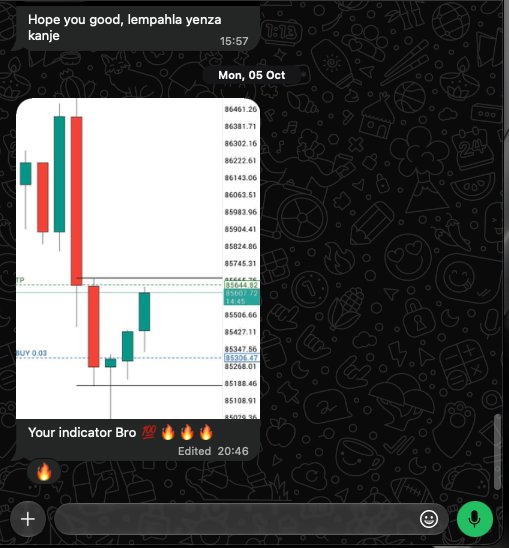
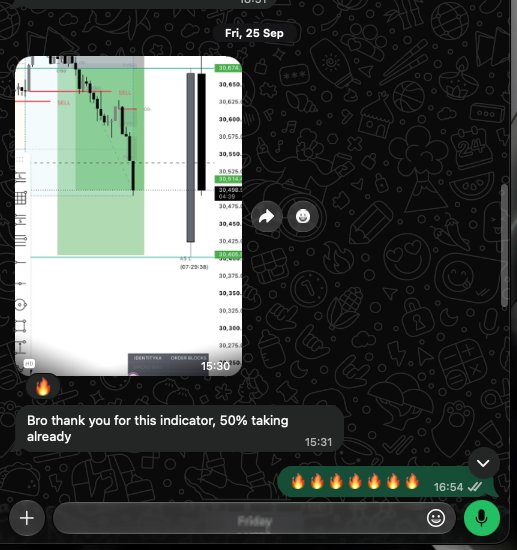
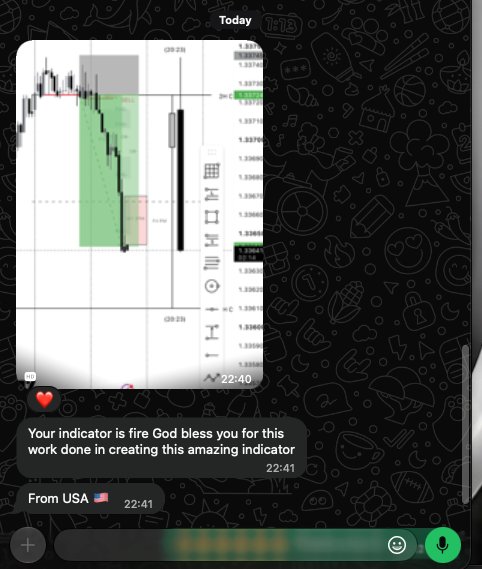
Trader feedback screenshot 1Trader feedback screenshot 2Trader feedback screenshot 3Trader feedback screenshot 4Trader feedback screenshot 5Trader feedback screenshot 6Trader feedback screenshot 7Trader feedback screenshot 8Trader feedback screenshot 1Trader feedback screenshot 2Trader feedback screenshot 3Trader feedback screenshot 4Trader feedback screenshot 5Trader feedback screenshot 6Trader feedback screenshot 7Trader feedback screenshot 8

Join FREE CHANNEL

Follow Me
Add Me To WhatsApp
Support
Hi, I am SSB support bot ๐Ÿค–. What do you need help with?